Getting Started with 🤖 AI GPT
Learn how to invest in AI stocks with AI GPT: pick a goal, amount, horizon and risk, choose stocks or ETFs and up to 3 AI themes, then get your portfolio.
Posted by
 Rawee Kambhiranond
Related reading
Getting Started with 🩺 Checkup GPT
Checkup GPT is an AI portfolio analyzer: answer 3 questions, enter what you hold and get a score, fees, overlap and a backtest in about 20 seconds.
Getting Started with 💵 Income GPT
Learn how to build an income portfolio with Income GPT: pick an income goal, amount, risk, account and sources, then see live yields and monthly income.
Getting Started with 🏭 Sector GPT
Sector GPT is an AI sector portfolio builder: pick a goal and up to 3 market sectors to get a personalized stock or sector ETF portfolio in seconds.
Educational content, not financial advice. AI stocks are volatile; companies named here are examples, not recommendations.
Introducing AI GPT by ✨ Unprompted Labs
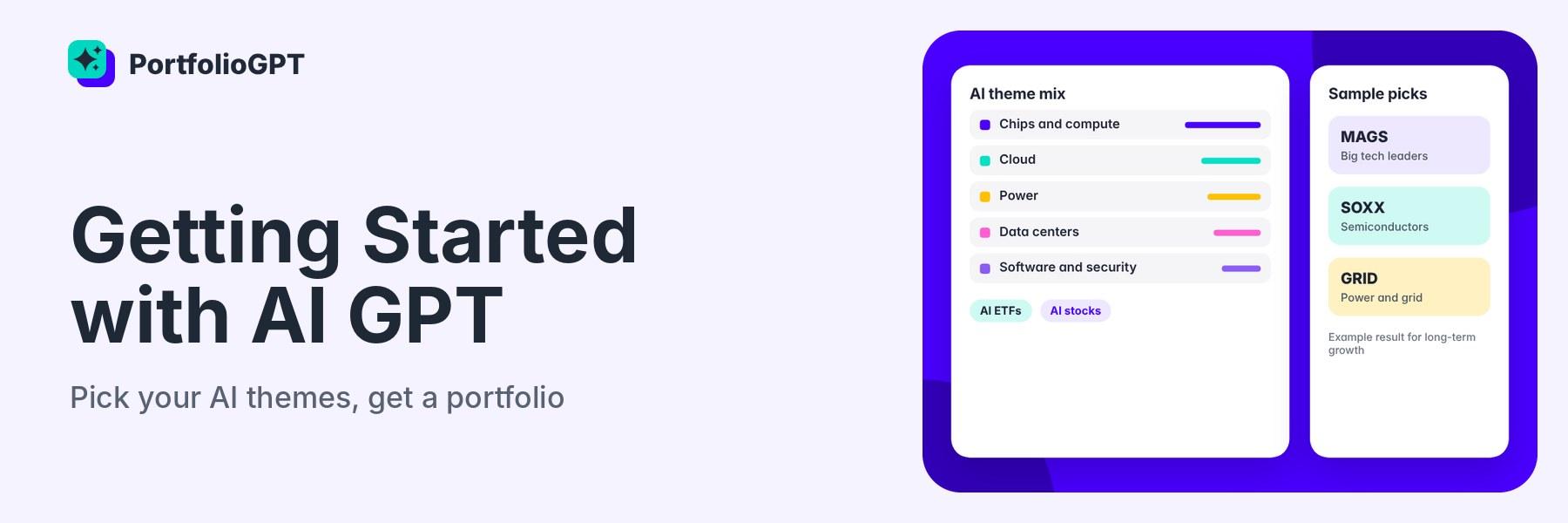
AI GPT is an AI stock portfolio builder for the companies and funds behind artificial intelligence. It chooses from 22 themes in eight groups, from chips and cloud to power, data centers, hardware, software and the firms that finance the build-out. It's part of PortfolioGPT, in the Go deeper section of your dashboard.
For every theme and the companies behind it, read Introducing AI GPT.
Let's get started! Watch the walkthrough:
How to invest in AI stocks with AI GPT
Investing in AI stocks with AI GPT takes six questions and a review: your goal, amount, time horizon, risk level, whether you want AI stocks or AI ETFs, and up to 3 AI themes. Your portfolio holds only investments from those themes, matched to your goal and risk, and usually arrives in 20 to 60 seconds. Open AI GPT from your dashboard to begin.
Step 1: 🏆 Pick Your Investment Goal
Choose what you're investing for: retirement, long-term growth, income, retire early (FIRE), a big purchase, short-term gains, beat inflation or protect what I have. The goal shapes which AI themes AI GPT suggests in Step 6.
Step 2: 💰 Enter Your Investment Amount
Enter any amount from $100, or tap a quick amount. AI GPT uses it to size each holding in dollars.
Step 3: ⏳ Set Your Time Horizon
Choose when you'll need the money, from less than 1 year to 20+ years. AI stocks swing hard, and longer horizons give them time to recover from a fall. Our time horizon guide explains why.
Step 4: ⚠️ Select Your Risk Tolerance
Choose low, medium or high. AI portfolios swing more than the whole market, so think about how you'd feel after a 30% drop. At low risk with AI stocks, no stock is more than 10% of the portfolio. Our risk tolerance guide can help you decide.
Step 5: 📊 Choose AI Stocks or AI ETFs
Pick one: AI stocks (the companies behind your themes), AI ETFs (theme funds, plus broad AI funds where a theme has none) or both, plus broad AI funds (stocks and funds around a broad AI fund core). Your portfolio holds only this kind of investment.
Step 6: 🧩 Choose Up to 3 AI Themes
Choose 1 to 3 of the 22 themes, grouped under chips and compute, cloud, power, data centers, physical inputs, hardware and networking, software and security, and finance and services. Each card names example companies and a Steady, Growth or Speculative tag. Quick picks fill in a set for you, and AI GPT flags when your themes don't fit your goal, with a button to use its suggested themes.
Step 7: ✨ Select "Generate my portfolio"
Check your answers on the review screen and change any of them. On Pro, choose Quick or In-depth. Then click "Generate my portfolio".
Our Methodology: 📚 PortfolioGPT
While your portfolio builds, AI GPT runs these steps:
- Reads AI market signals: cloud spending, chip fund momentum and power demand for your themes.
- Chooses holdings from your themes, up to 6, matched to your goal, risk and time horizon.
- Checks every pick: anything outside your themes, or no longer trading, is removed.
- Pulls live prices from Tickerbot and Yahoo! Finance.
- Backtests against the S&P 500, with dividends reinvested.
What your AI portfolio includes
Your AI portfolio lists each holding with its allocation and dollar amount, the reasoning behind each pick, the market context and the risks to watch, plus a backtest against the S&P 500. A portfolio built around one trend is concentrated, so compare it with what you already own before investing.
You can email the portfolio to yourself, edit your answers or start over. Pro saves every portfolio to your account; on the Free plan, your 5 most recent stay on your device.
Want a broader portfolio? Start with Getting Started with Portfolio GPT, or build by sector with Sector GPT. Already own AI funds? Check their overlap with Checkup GPT. See everything AI GPT can do, or open AI GPT.
FAQ
How do I invest in AI stocks with AI GPT?
Open AI GPT and answer six questions: your goal, the amount, your time horizon, your risk level, stocks or ETFs, and up to 3 AI themes. Click "Generate my portfolio" and in 20 to 60 seconds you get holdings from your themes with allocations, dollar amounts and the reasoning behind each pick.
How many AI themes can I choose?
Between 1 and 3 of the 22 themes. Your portfolio holds only investments from the themes you choose; anything outside them is removed.
How many holdings does an AI GPT portfolio have?
Up to 6. The exception is AI stocks at low risk: then no stock is more than 10% of the portfolio, so it holds about 10 to 12 stocks, or every stock your themes offer.
Can I choose Quick or In-depth for AI GPT?
On Pro, yes: the review screen lets you pick Quick portfolios with ChatGPT or In-depth portfolios with Claude. The Free plan builds Quick portfolios, within 5 a day. Pro costs $3 a month or $27 a year.